When things need to be quiet:
your photos instead of the YouTube rabbit hole.
Restaurant, car ride, waiting room. Picture Book shows your child exactly the album you choose — the lovely family photos and videos. No swiping off into strangers’ videos, no endless pull.
After a few minutes the memories are “done”. Gentle, finite screen time — controlled by you.


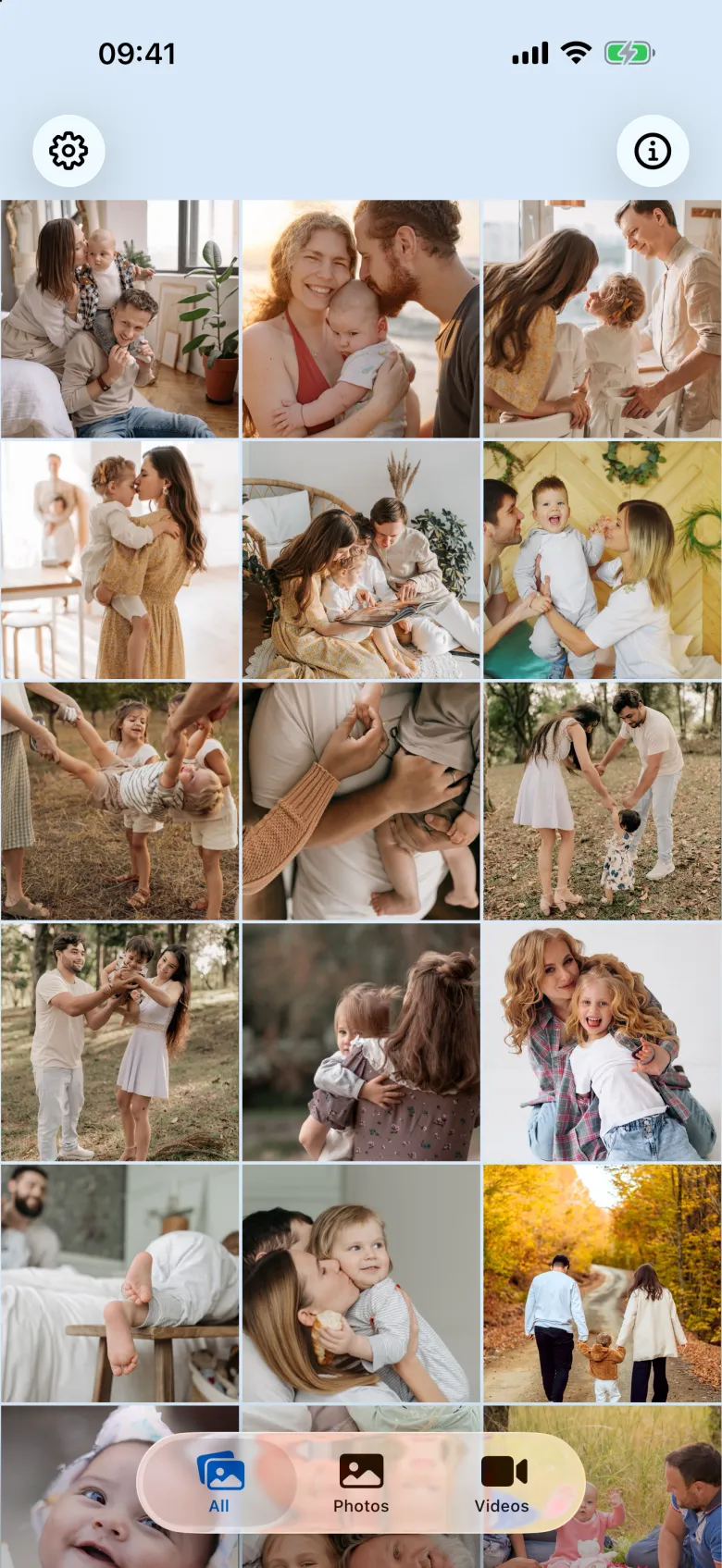
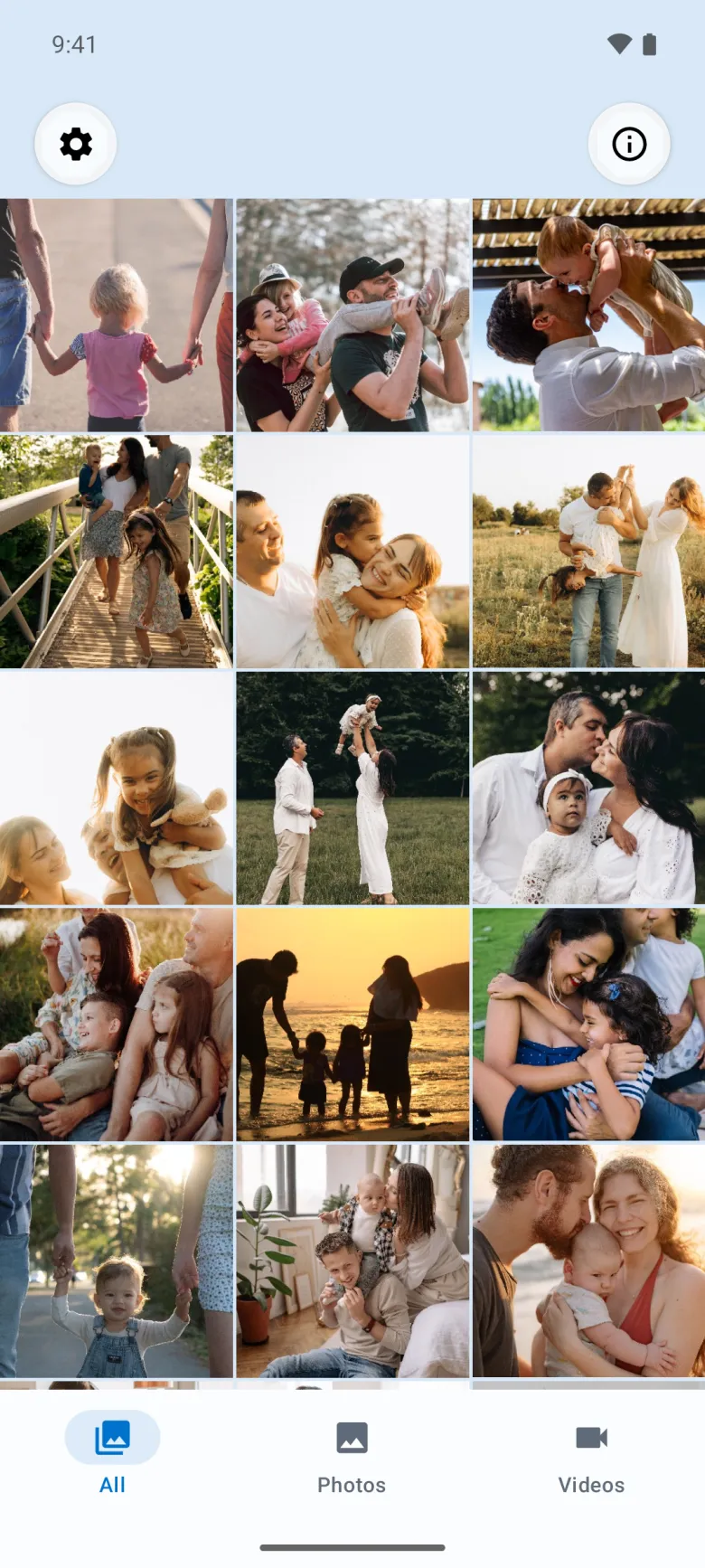
You decide what shows up. Only your photos, only your videos.
You put your loveliest moments into an album on your device — and limit Picture Book to exactly that album. Your child sees nothing but what you put there. No swiping on to other photos, no algorithm queuing up the next recommendation.
Only your album
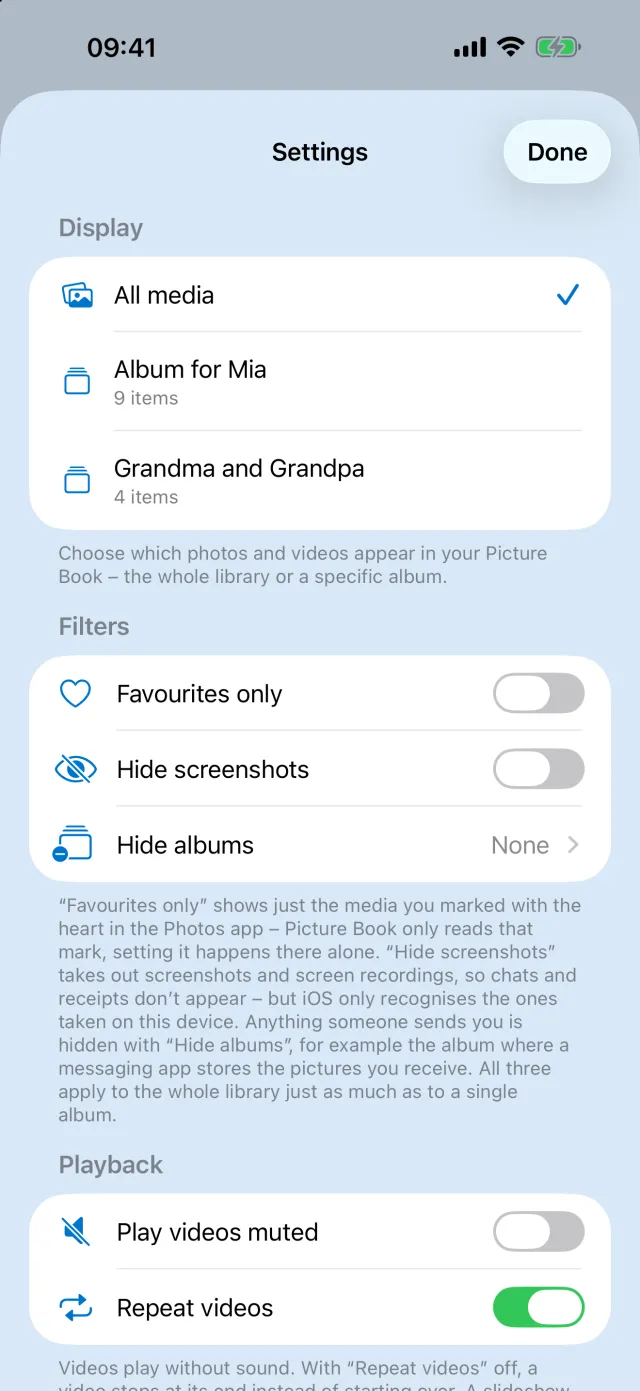
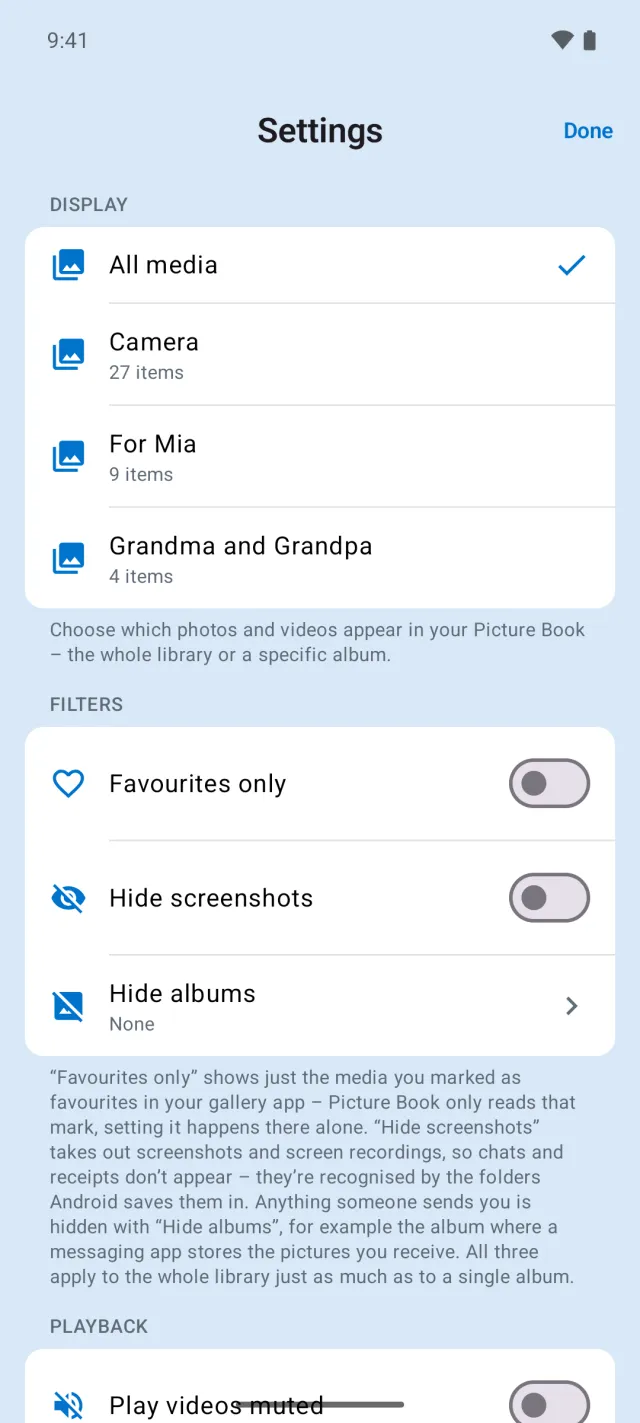
Limit Picture Book to a single album from your photo library. What your child sees is entirely up to you.
Nothing can be broken
Viewing only. No buttons to delete, edit, share or export. Read-only — and always free.
Gentle limits
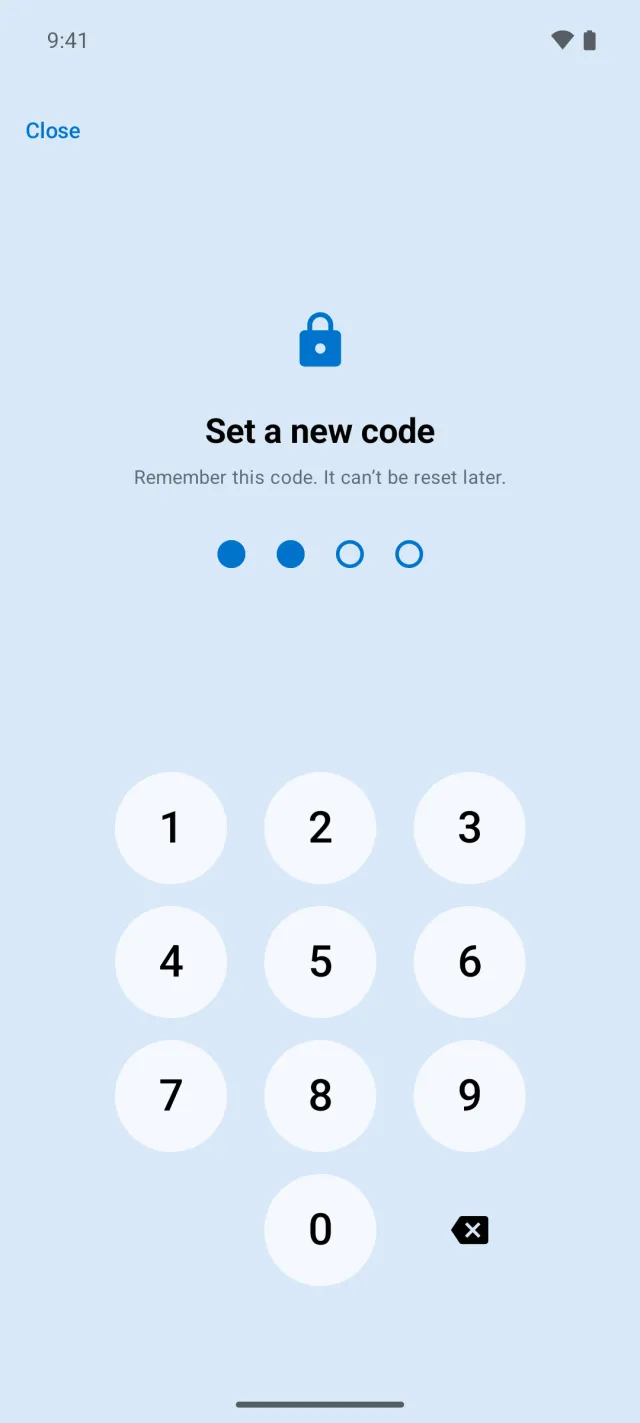
A parent PIN on the settings gear and a gentle session timer (5–120 min). Then the time is quietly up — no drama.
No delete, edit or share buttons.
In full screen there is exactly one button: close. Your child can’t delete, move or accidentally send anything. The app only reads your library — technically it cannot change a thing.
- ✓No trash can, no pencil, no share icon
- ✓Content never leaves the device
- ✓Safety costs nothing — free forever


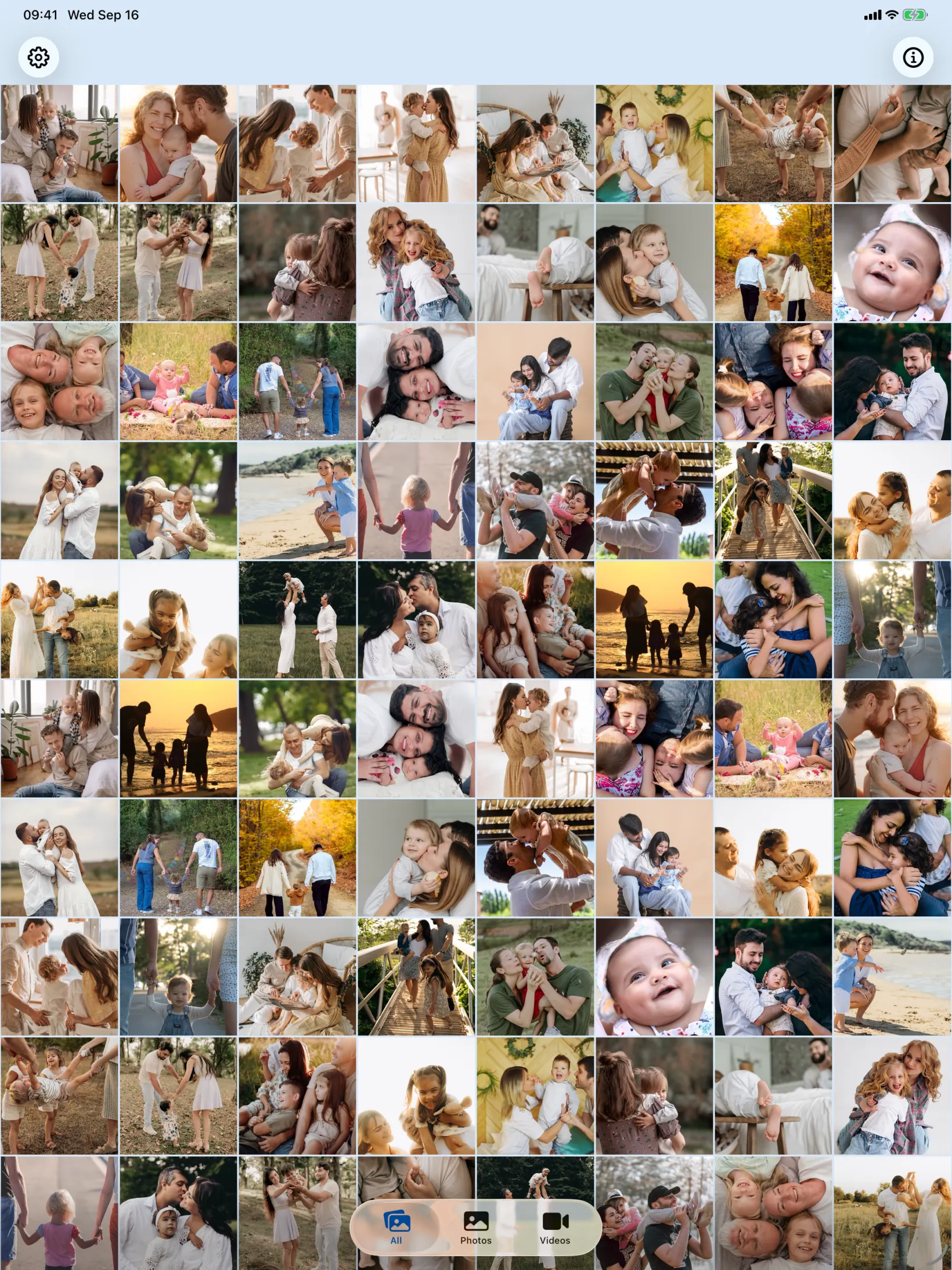
Even lovelier on the big screen.
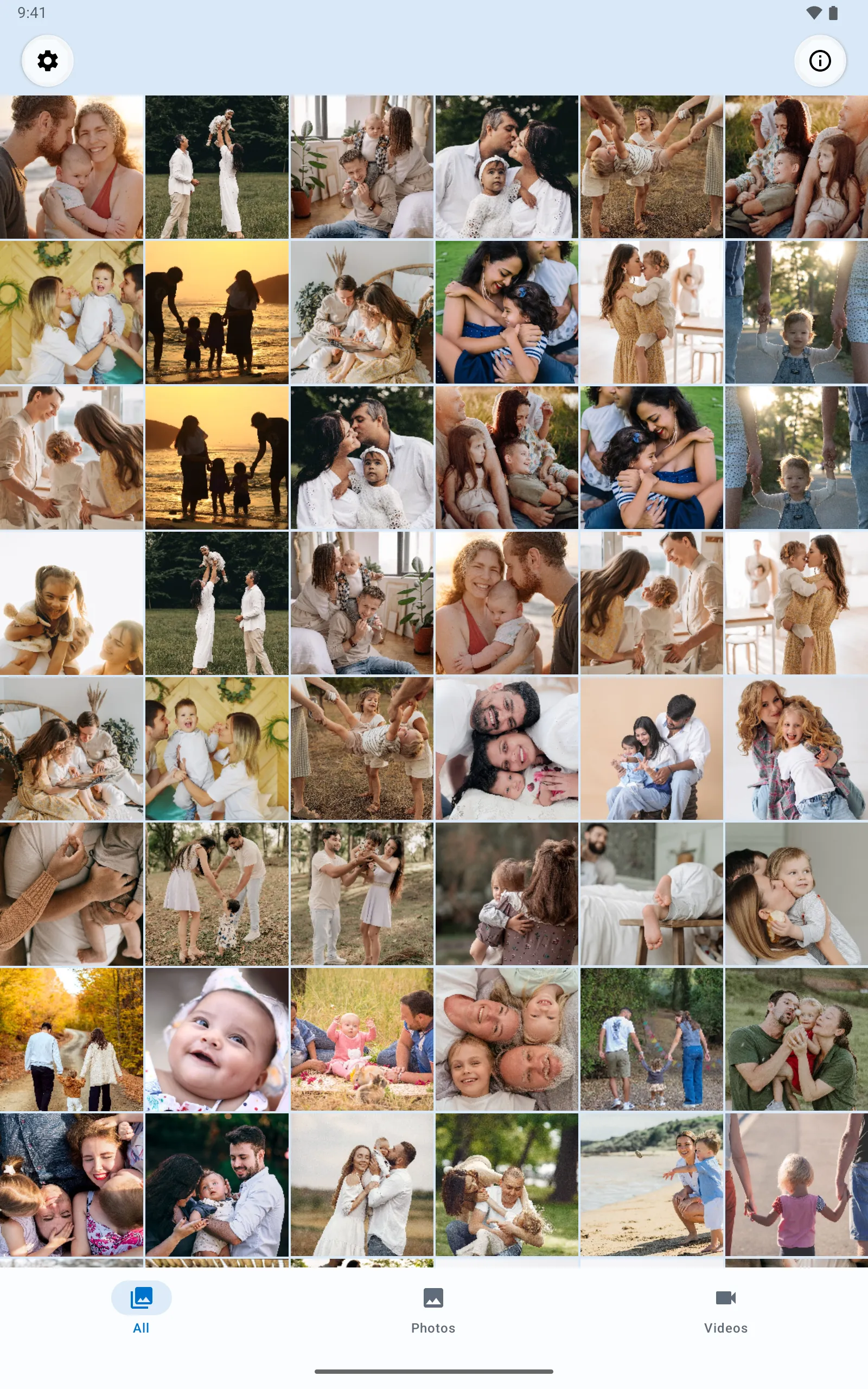
Picture Book adapts: on iPad the grid shows more tiles — perfect for the sofa when you browse through the memories together. The same calm, the same control.
How to set up Picture Book
Put photos into an album
Create an album in Apple Photos and add your loveliest photos & videos — via AirDrop, cable or straight from your iPhone. On Android an album is a folder on the device: create one in your gallery or files app and copy the photos & videos into it, also via Quick Share or cable.
Choose that album in Picture Book
Select exactly that album once in the parent settings (protected by a PIN). From then on the app shows only that.
Hand it over
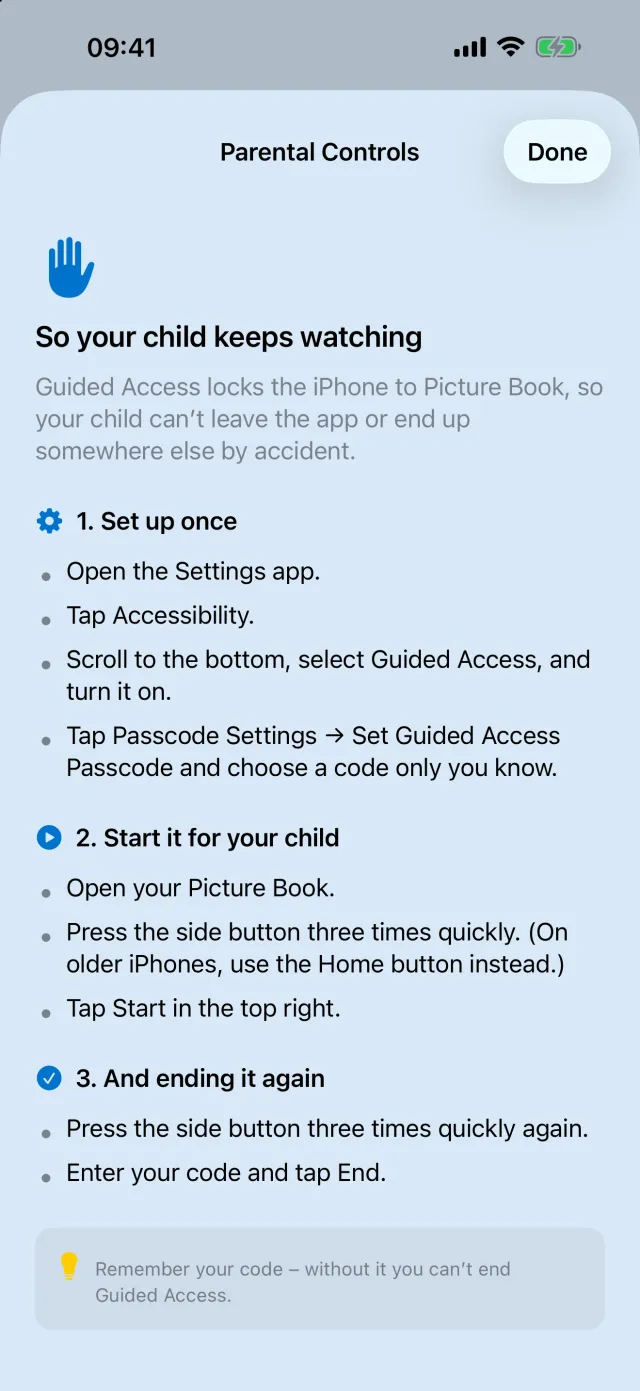
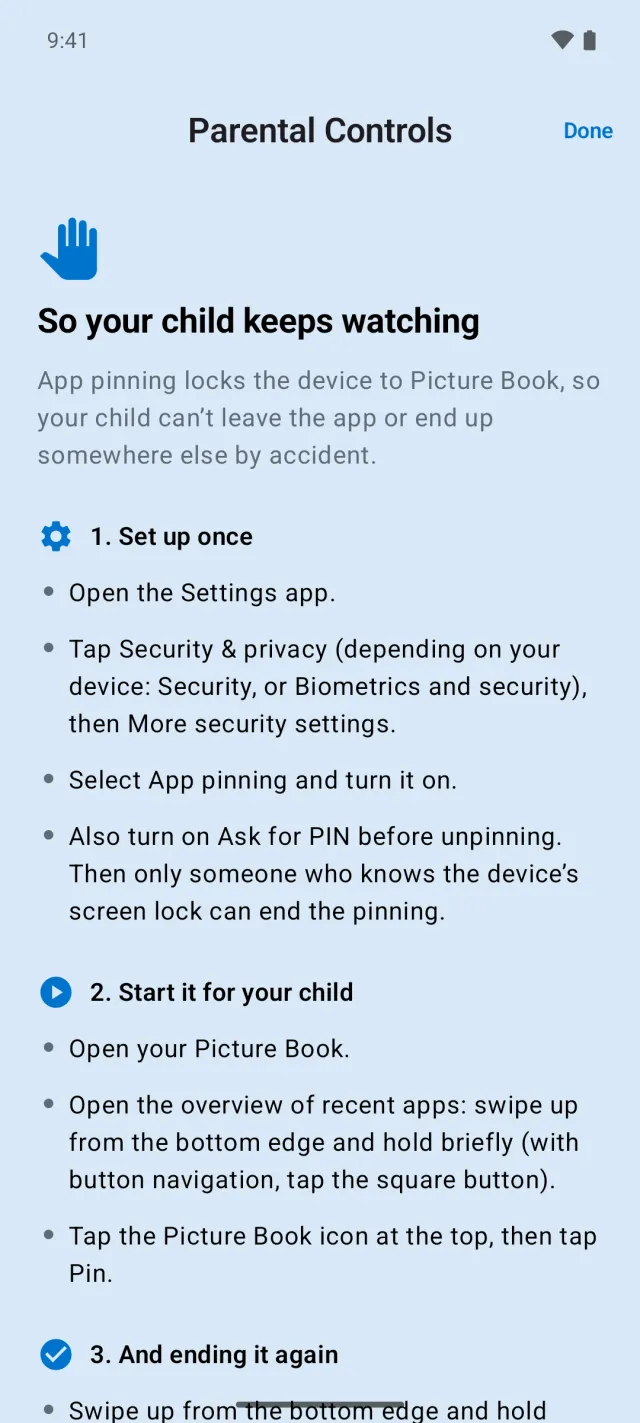
Pass the iPhone or iPad to your child. With Apple’s Guided Access they stay safely inside the app — a short guide is built in. On Android, app pinning does the same; the app has a guide for that too.
Guide: setting up Guided Access →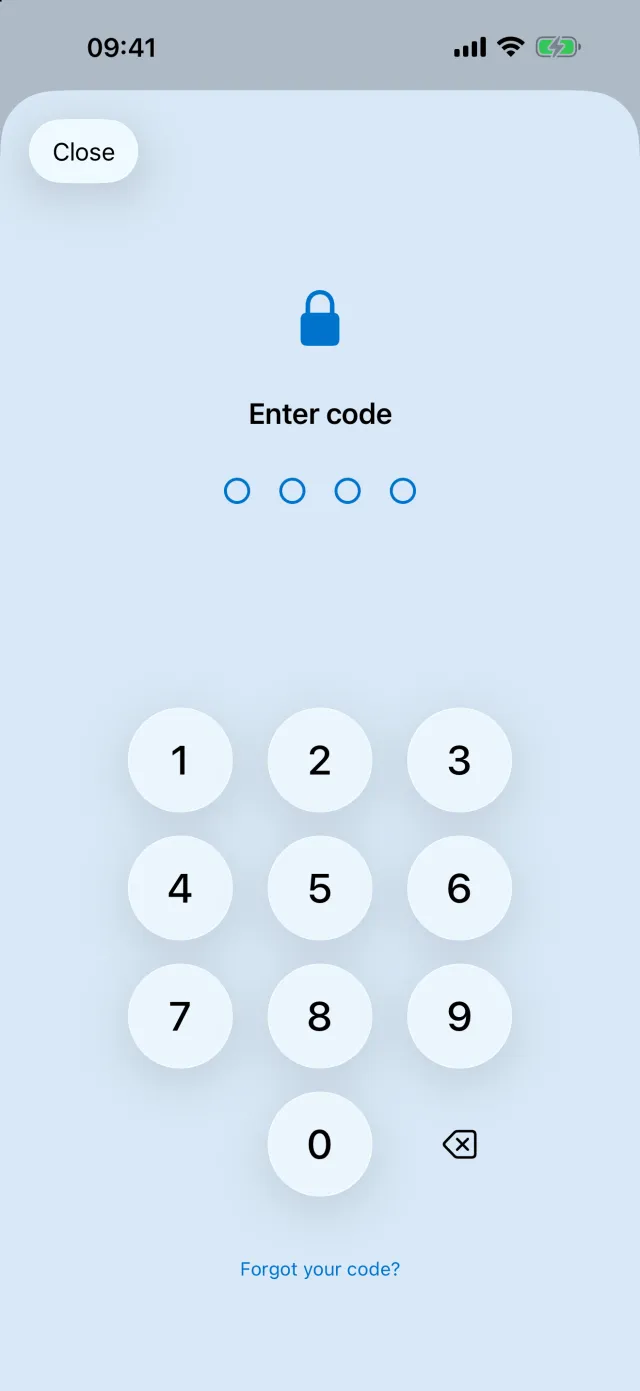
- ✓Free to download: view your newest 150 photos and videos, filters (All/Photos/Videos) and the guide — free of charge.
- ★€3.99 unlocks control: your whole library, single album only, hiding screenshots, slideshow, muted videos — permanently.
- ✓Safety stays free: Read-only is always included — never behind the paywall.

Give your child your memories.
Good screen time, entirely in your hands.